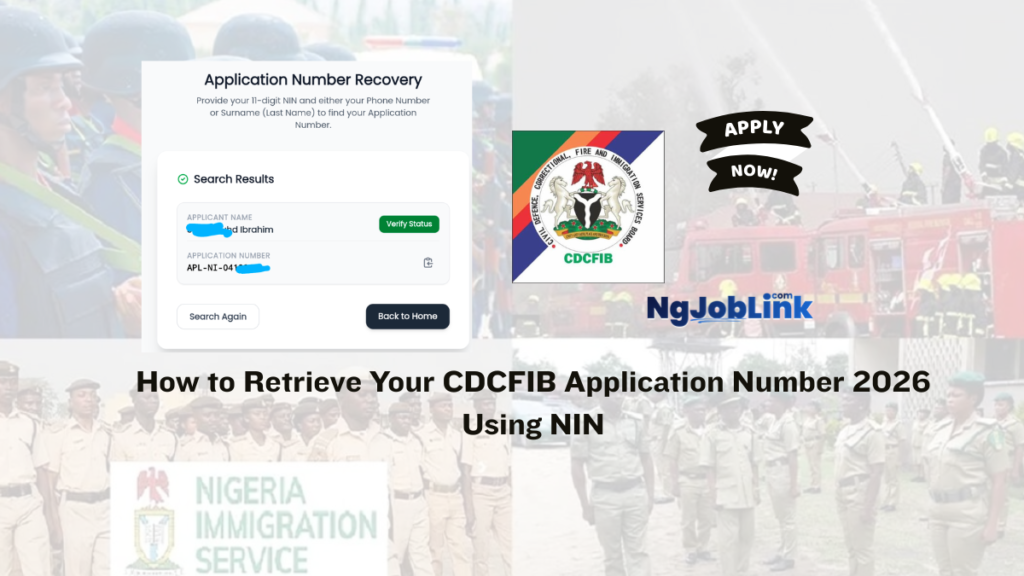

Lost your CDCFIB application number? Don’t worry. The Civil Defence, Correctional, Fire and Immigration Services Board (CDCFIB) has provided an official application lookup portal that allows candidates to recover their application number using their National Identification Number (NIN) and other personal details.
This guide explains the exact steps to retrieve your CDCFIB application number and regain access to your recruitment profile.
CDCFIB Application Number Retrieval Portal
Candidates who have forgotten their application number can use the official CDCFIB lookup page:
Portal: https://recruitment.cdcfib.gov.ng/lookup
The portal is available to applicants who successfully submitted their recruitment application and need to recover their application details.
How to Retrieve Your CDCFIB Application Number
Follow these simple steps:
Step 1: Visit the CDCFIB Lookup Portal
Go to: https://recruitment.cdcfib.gov.ng/lookup
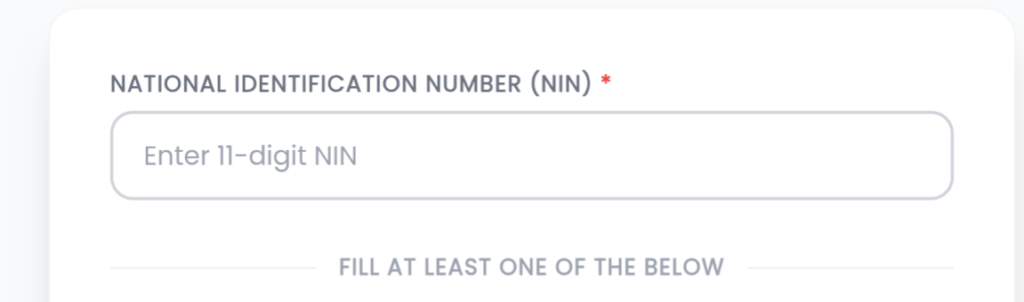
Step 2: Enter Your NIN
Locate the field labeled: National Identification Number (NIN)
Step 3: Provide Additional Information
You must fill at least one of the following fields:
- Phone Number
- Surname / Last Name
Ensure the information matches what you used during registration.

Step 4: Complete Security Verification
Fill in the Security Verification (captcha) displayed on the screen.

Step 5: Click “Retrieve Application”
After entering the required information, click the “Retrieve Application” button.
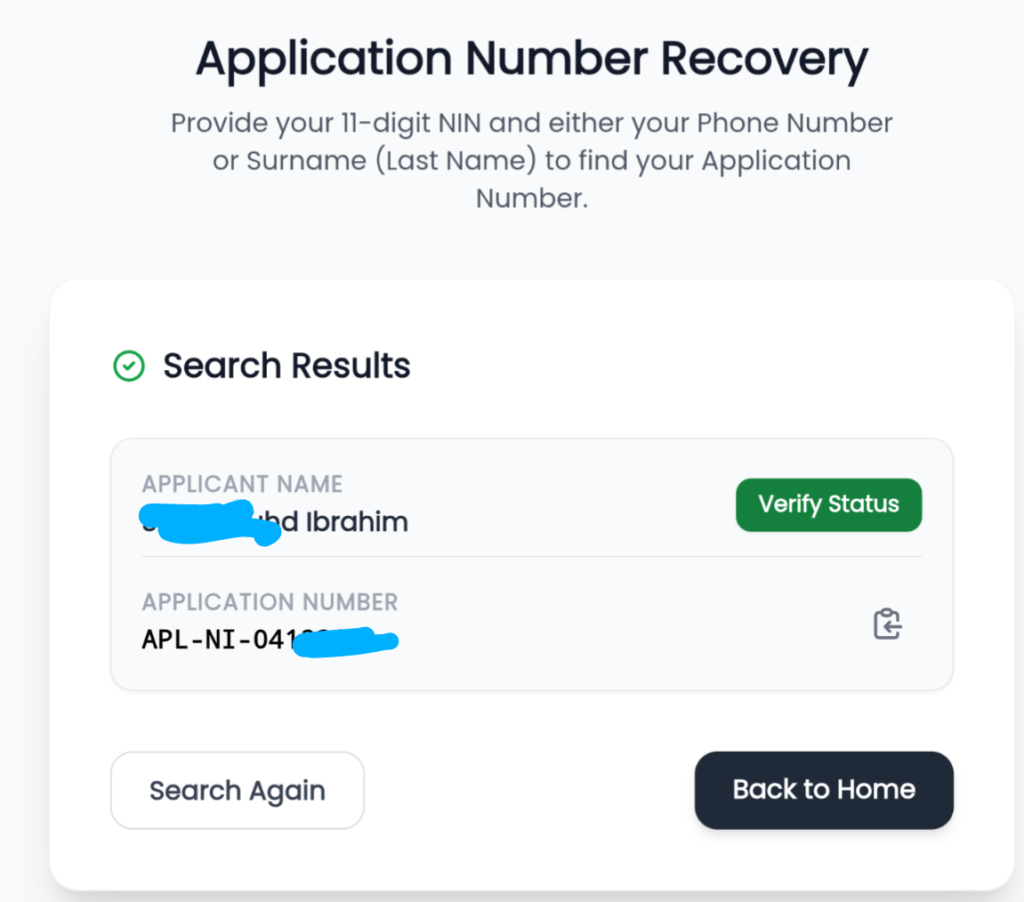
If your details match the records in the CDCFIB database, your application number will be displayed.
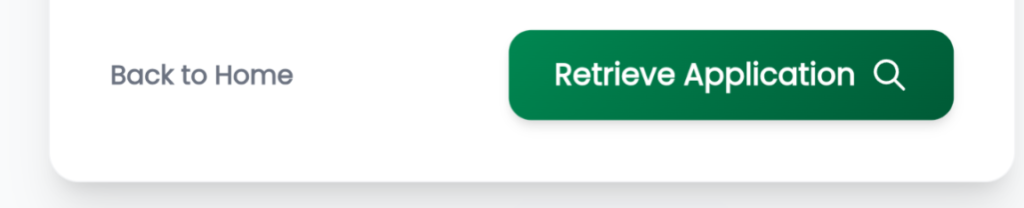
Your CDCFIB Application Number will recover
What Information Is Required?
To retrieve your CDCFIB application number, you need:
- National Identification Number (NIN)
- Phone Number or Surname/Last Name
- Security Verification Code
Common Reasons Why CDCFIB Application Number Retrieval May Fail
If you cannot retrieve your application number, check the following:
Incorrect NIN
Ensure you entered the exact NIN used during registration.
Wrong Phone Number
Use the phone number submitted with your CDCFIB application.
Incorrect Surname
Enter your surname exactly as it appears on your application form.
Failed Security Verification
Refresh the page and enter the captcha correctly.
No Existing Application Record
Candidates who did not successfully complete their application may not be able to retrieve an application number.


Pingback: CDCFIB Shortlist 2026 Released – How to Check Your Name on Official Portal Now - NgJobLink
Pingback: How to check CDCFIB Shortlist 2026 - NgJobLink
Sule clement 22
I want to know my Ref Number I win or I’m not we